A fruit tree tracker for pruning, varieties and harvests
Log every pruning, spray and harvest against the right tree. Keep varieties and rootstocks on record, get reminded when it's time to prune, and plan your vegetable beds in the same app.
Free plan. No card needed. Upgrade only if you outgrow Free.


★★★★★"I had notes everywhere: phone, paper, a spreadsheet I never opened. Now it's all in one place and I actually use it."
★★★★★"Last year I forgot to prune my blueberries until it was too late. This year Leaftide reminded me right on time."
★★★★★"Fruit trees, raised beds, pots on the patio. It's all in one place now. No more juggling three different apps."
Everything your fruit trees need, in one app
Apples, pears, plums, cherries, figs and citrus, tracked tree by tree alongside the rest of your garden.
Orchard Layout
Place every tree on your garden plan, next to your beds and pots
Pruning Reminders
Care routines remind you when it's time to prune, spray or feed, every year
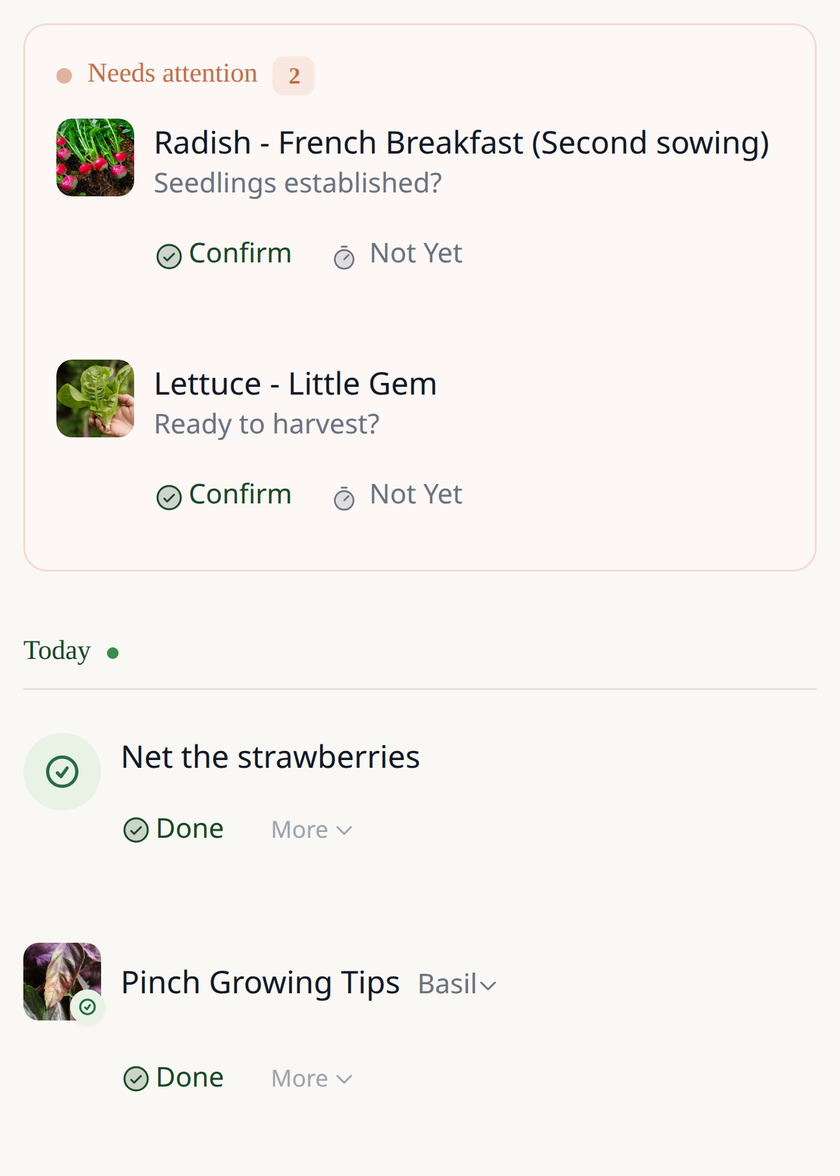
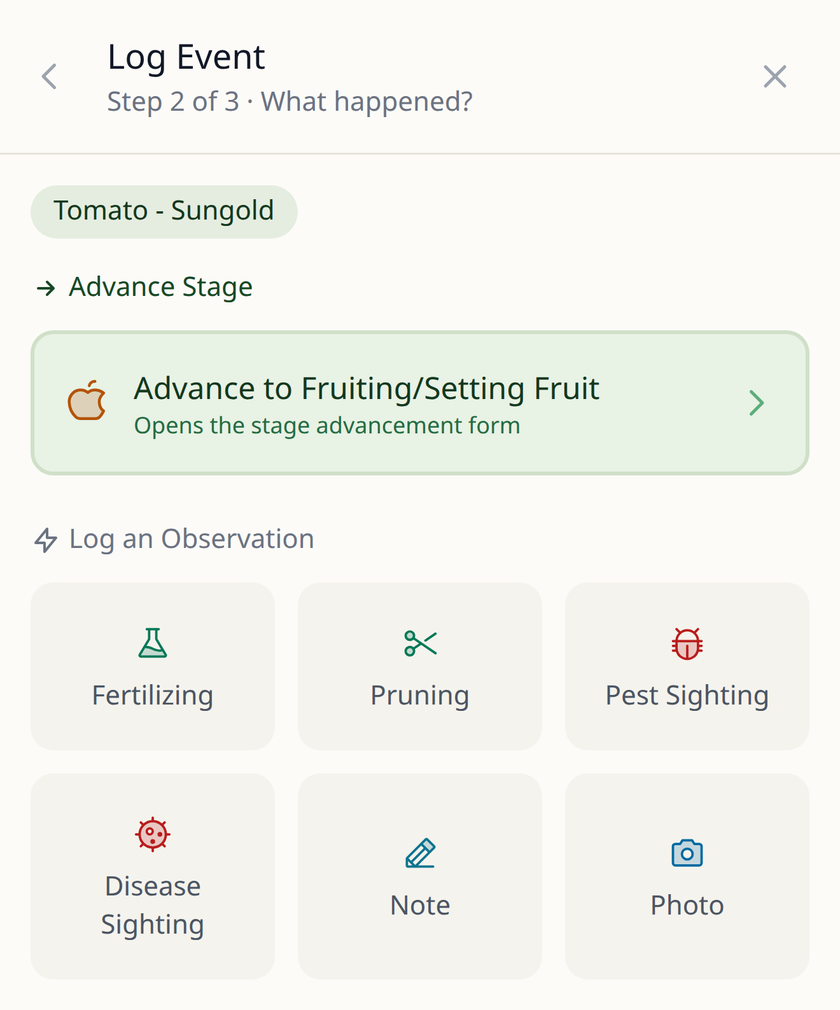
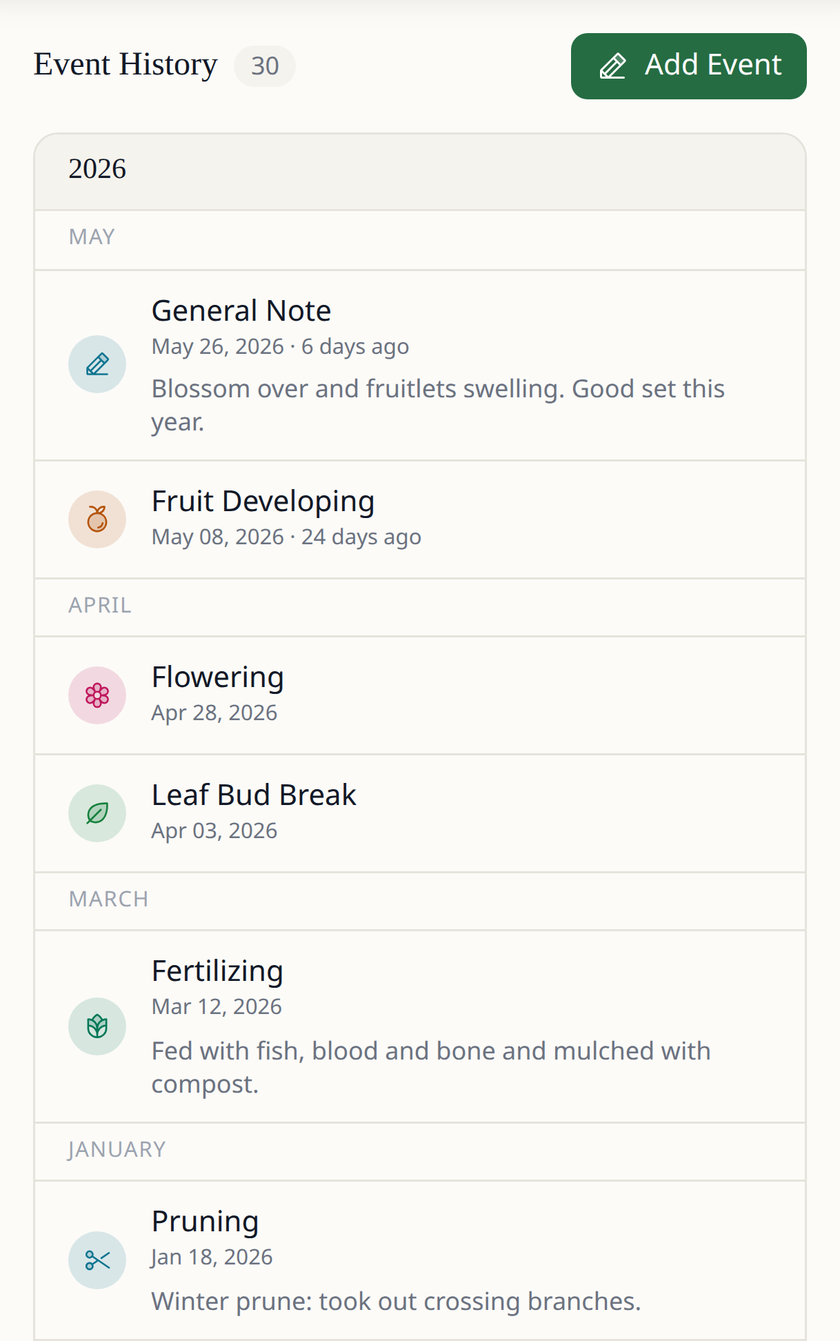
Pruning Log
Record each pruning session, spray or feed in a few taps, with notes
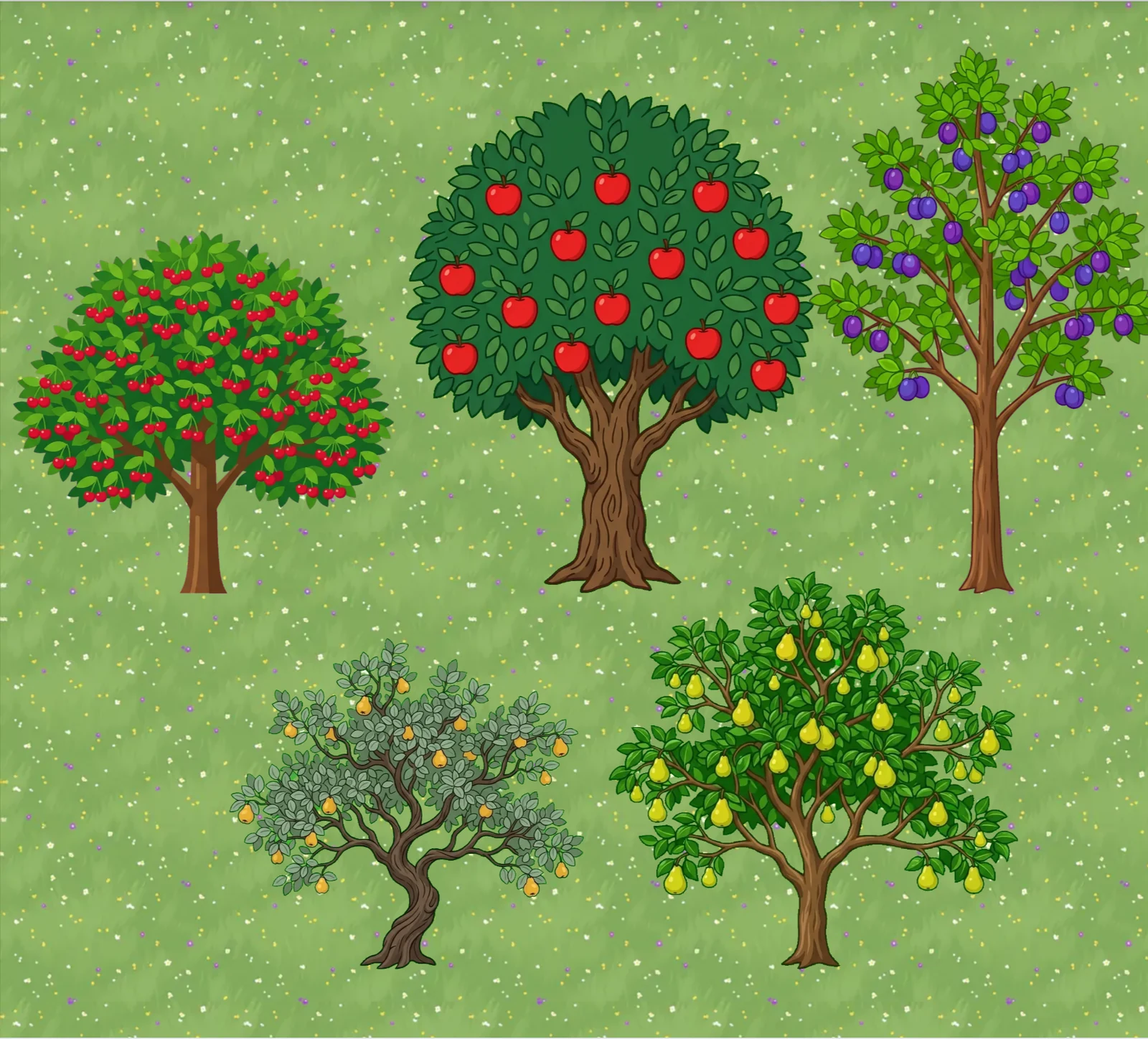
Garden Scene
See your garden come alive as an illustrated scene on your dashboard
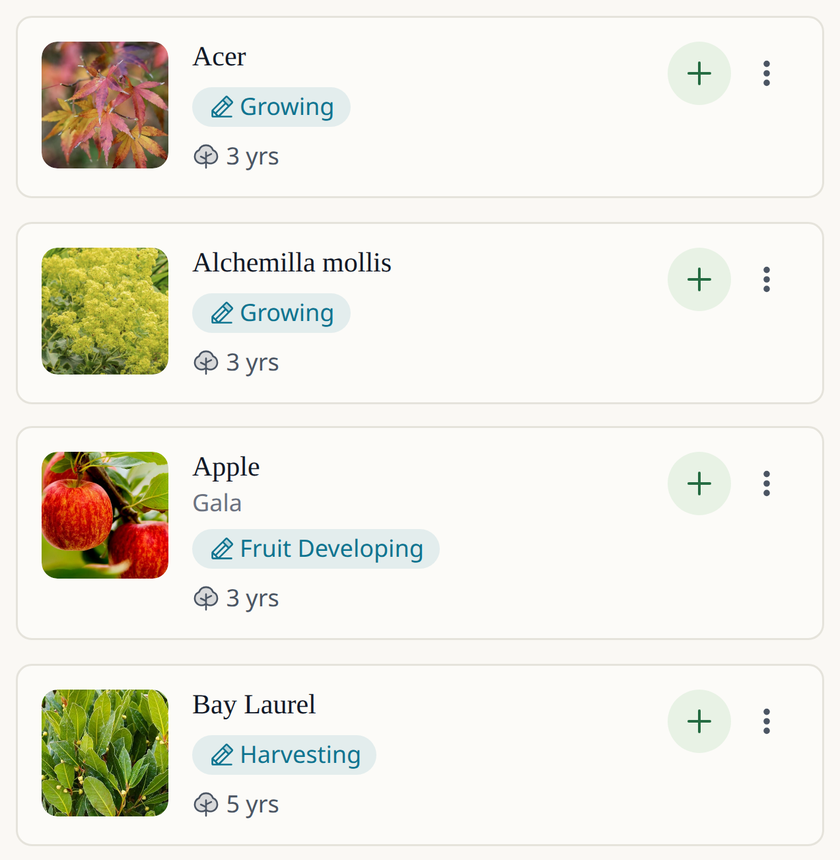
Every Tree
Variety, rootstock, planting date and location for each tree
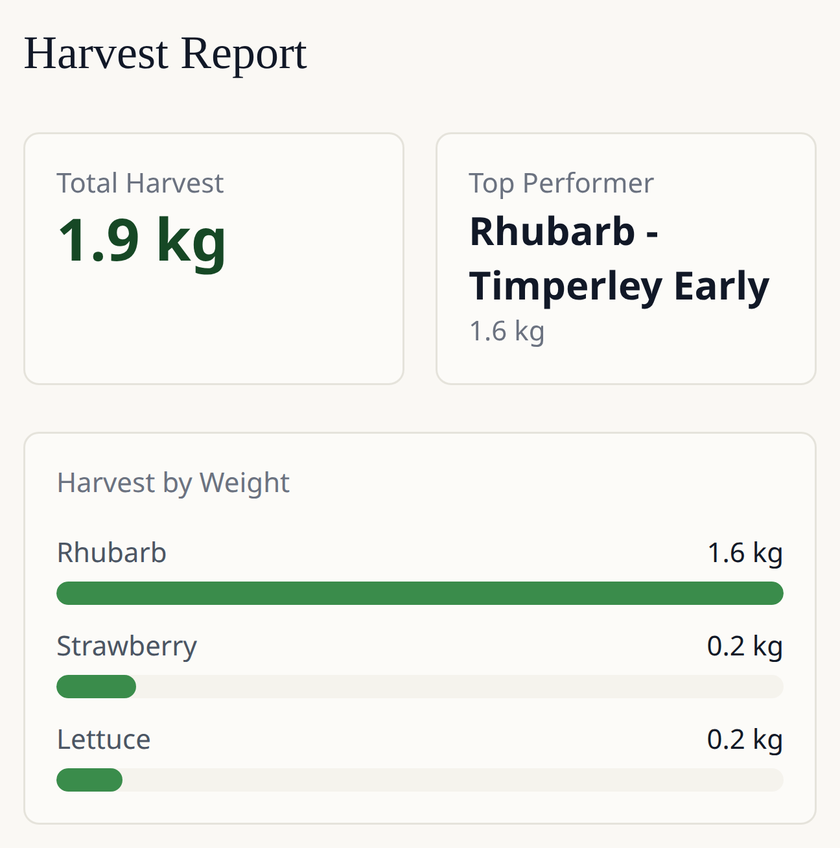
Harvest Records
Log what each tree gives you and compare one season with the next
1237+ plants in the catalog
See all plants














Why track your fruit trees in Leaftide
Most garden apps stop at the vegetable bed. Leaftide follows your trees for years.
Typical Planners
Leaftide
What You Can Track
Vegetables only, or trees only
Fruit trees, berry bushes, perennials and vegetables in one app
Pruning History
A notebook you can't find next winter
Every pruning session saved against the tree, year after year
Tree Records
A name on a plant label
Variety, rootstock, planting date and location for each tree
Seasonal Timing
Fixed calendar dates
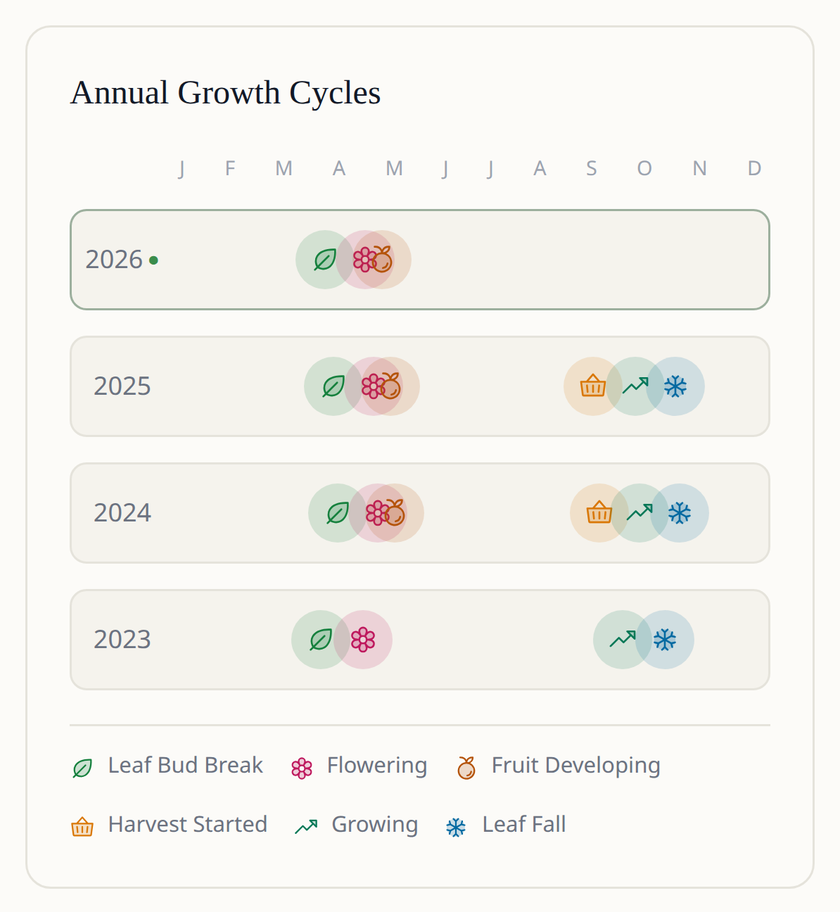
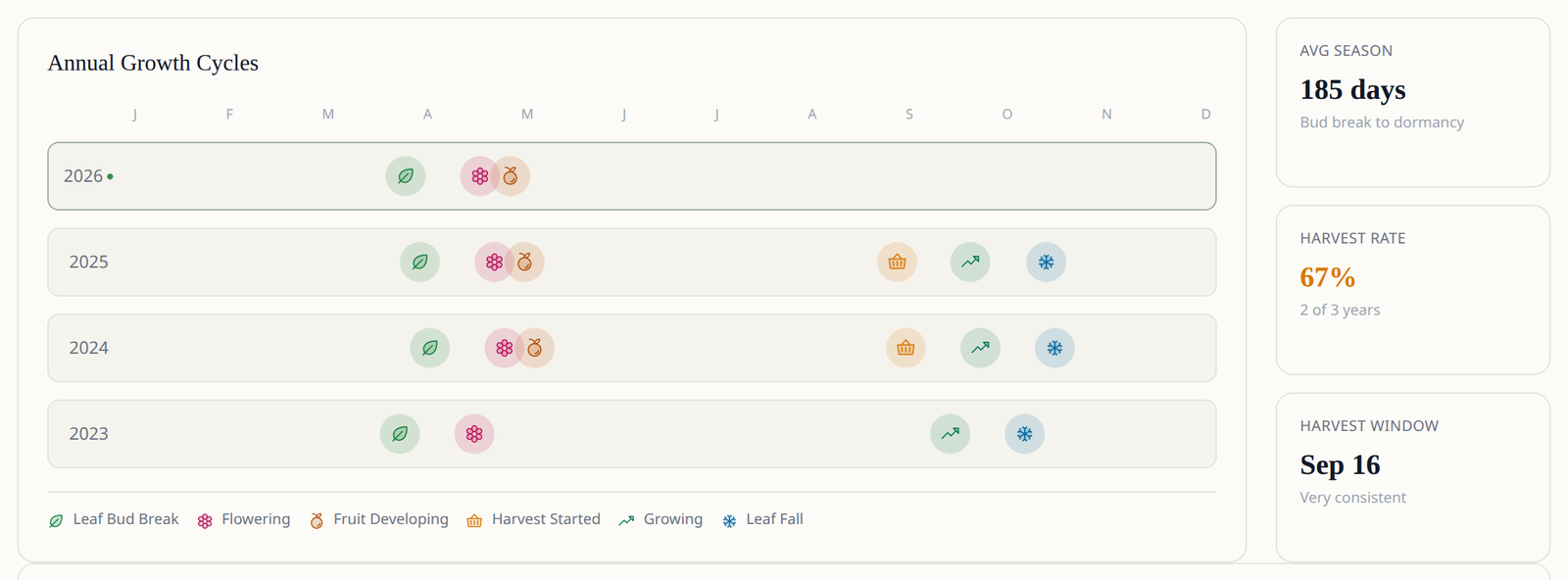
Bud break, flowering, fruit set and harvest stages that adjust to the dates you log
Varieties
Generic 'Apple Tree'
Specific varieties (e.g. 'Bramley' vs 'Cox's Orange Pippin'), including multi-graft trees
Garden Layout
Static drawing (digital graph paper)
Each tree placed on your garden plan, next to your beds and pots
What You Can Track
Typical Planners
Vegetables only, or trees only
Leaftide
Fruit trees, berry bushes, perennials and vegetables in one app
Pruning History
Typical Planners
A notebook you can't find next winter
Leaftide
Every pruning session saved against the tree, year after year
Tree Records
Typical Planners
A name on a plant label
Leaftide
Variety, rootstock, planting date and location for each tree
Seasonal Timing
Typical Planners
Fixed calendar dates
Leaftide
Bud break, flowering, fruit set and harvest stages that adjust to the dates you log
Varieties
Typical Planners
Generic 'Apple Tree'
Leaftide
Specific varieties (e.g. 'Bramley' vs 'Cox's Orange Pippin'), including multi-graft trees
Garden Layout
Typical Planners
Static drawing (digital graph paper)
Leaftide
Each tree placed on your garden plan, next to your beds and pots

Hey! I'm João, the developer behind Leaftide.
I built this for myself after years of juggling spreadsheets and notes that never quite fit how I think about my garden. Eventually I just made something that worked the way I wanted.
It's a one-person project with over 1,500 gardens planned so far, and I use it every day for my own. I design it, build it, and answer every support message personally.
- João
Free for most gardens, Pro when you need more room
Most home gardeners and orchardists never need to pay.
The Free plan includes 30 plants (including fruit trees). Enough for most gardens.
Free Forever
- ✓ No time limit
- ✓ Up to 30 plants
- ✓ Up to 5 custom varieties
- ✓ Up to 10 pots
- ✓ Built-in plants & varieties
- ✓ Weekly email digest
- ✓ Free stays free, even if you later try Pro and come back
Pro
£5/month
- ✓ Unlimited plants
- ✓ Unlimited custom varieties
- ✓ Unlimited pots
- ✓ Custom fertilisers, suppliers, soil mixes
- ✓ Daily or weekly email digest
- ✓ Priority support (live chat when available)
VAT included. Cancel anytime.
Prefer no subscription?
One payment, Pro forever. No renewals, no expiry.
£99 one-time.
Fruit tree tracking questions
Leaftide is a fruit tree tracker built for home growers. Each tree gets its own record with variety, rootstock, planting date and location, and every pruning session, spray, feed and harvest you log is saved against that tree with notes and photos. Care routines remind you when it's time to prune or spray, and the same app plans your vegetables and tracks your shrubs and perennials.
Yes. Pick the variety from the built-in list (for example 'Bramley' or 'Cox's Orange Pippin'), add the rootstock, and record where and when the tree was planted. Multi-graft trees with several varieties can be grouped as one combo tree. If a variety is missing, add it as a custom variety; Pro removes the limit on custom varieties.
Yes. Set up a care routine for pruning, winter sprays or feeding and Leaftide reminds you at the right point in the season, every year. When you log the job it goes into the tree's history, so next year you can see what you did and how the tree responded.
Yes. The free Chill Hours Calculator checks whether a variety is likely to get enough winter chill where you live, and the Pollination Checker shows which varieties can pollinate each other based on their flowering groups. Use them before you buy, then track the trees you plant in Leaftide.
Each variety comes with a typical seasonal timeline: bud break, flowering, fruit set, start of harvest and leaf fall, shifted for the southern hemisphere. As you log real dates, the timeline adjusts to how your own trees behave.
Yes. The Free plan includes 30 plants, fruit trees included, with no time limit and no card needed. Pro removes the plant limit for larger orchards and mixed gardens.